Tools & Workflow
Use AI in your design workflow Without losing the plot
AI can help you explore, organize, prototype, and notice more. The designer still has to decide what matters, verify what is true, and make the parts feel like one intentional experience.

The short read
Begin with the decision
Name the question, audience, source material, and constraints before asking AI to make anything.
Use AI to widen the work
Generate options, interpretations, and working artifacts—then compare them instead of accepting the first polished answer.
Keep judgment attached
Inspect the artifact, verify consequential claims, and record why the chosen direction fits the evidence.
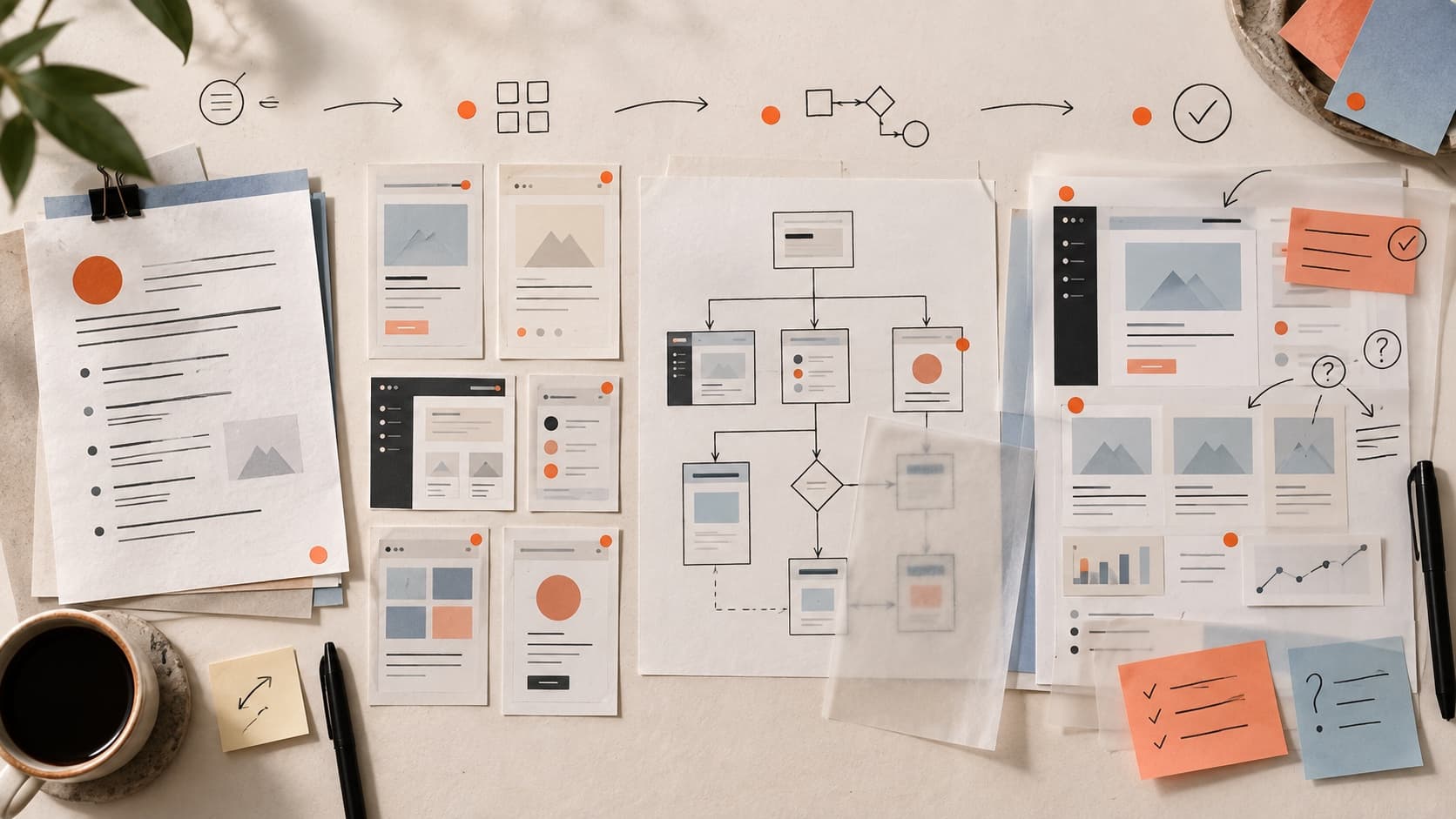
The short answer: let AI expand the work, not own the answer
The most useful AI design workflow is not “prompt, generate, polish, ship.” It is a loop between intent and artifact: give the system real context, make something you can inspect, notice what the result reveals, and improve both the design and the direction.
That loop is supported by research on AI-assisted prototyping. Google Research's PromptInfuser study found that tightly connecting prompt and UI work helped professional designers notice incompatibilities and improve the total solution through back-and- forth iteration. The point was not that AI supplied the right answer. The working artifact made better questions visible.
Start with the decision—not the tool
“Use AI on this project” is not a design brief. Name the decision that needs movement first. That keeps the tool from quietly changing the job from “make this task understandable” to “produce something that looks complete.”
Tool-led request
Make me a modern dashboard
- Invites generic patterns and filler content
- Hides what the person is trying to accomplish
- Makes polish look like progress
Decision-led request
Help a new manager find the exception that needs action
- Names the person and the task
- Creates a basis for comparing options
- Makes missing data and states easier to notice
Before you prompt, write down
- The person and task this work needs to support
- The design decision you are trying to make now
- The source material that should constrain the answer
- The states, systems, or requirements the result must respect
- What evidence would make you confident enough to move forward
Give AI something real to work from
Context is not a longer adjective list. It is the material that makes one answer more appropriate than another: the brief, current interface, research notes, content, data shape, component library, technical boundaries, and decisions already made.
Figma's current guidance similarly recommends defining goals and constraints, validating suggestions, and documenting how AI affects decisions. Treat that as workflow advice—not proof that any generated result is correct.
- Research or synthesis
- Supply the actual notes or dataset, ask for themes with citations back to the source, and keep contradictions visible.Do not ask the model to invent personas, needs, or evidence that was never collected.
- Interface exploration
- Share the task, content, required states, reference system, and the parts that must remain unchanged.
- Prototype or code
- Provide the component contract, data shape, interaction rules, breakpoints, and error or empty states.
- Design feedback
- Share the artifact, project stage, intended audience, constraints, and one focused decision-shaped question.See the separate guide to using ChatGPT for design feedback.
Widen first. Narrow with reasons.
One generated direction gives you something to react to. A small, intentionally different set gives you something to compare. Ask the model to vary the underlying approach—not merely the color, radius, or decorative style.
- 1Generate distinct approachesFor example: orient by urgency, orient by workflow stage, or orient by the person responsible. Do not accept three cosmetic versions of one idea.
- 2Make the trade-offs explicitAsk what each direction makes easier, what it makes harder, and which assumptions it depends on.
- 3Choose against the jobReturn to the person, task, constraints, and evidence. “This looks best” is not enough when the approaches support different behavior.
- 4Carry the reason into the next promptTell the system what you selected and why so later refinement does not erase the decision that made the direction useful.
Review the artifact—not the quality of the prompt
Once the work exists, stop talking only to the generator. Click through the prototype, read the content, resize the interface, use realistic data, and inspect the pieces as a system. Generated UI often looks resolved before the experience is resolved.
A practical AI-generated UI review
- Task: Can someone tell what to do next and what will happen?
- States: Are loading, empty, error, permission, success, and recovery states designed?
- Content: Is the language specific, believable, and appropriate to the real audience?
- Evidence: Which claims come from research or measurement, and which are still assumptions?
- System: Do components, type, spacing, behavior, and naming form one coherent system?
- Difference: What makes this answer specific to the product instead of the generator's defaults?
If the interface feels strangely familiar, use the AI Design Check for a focused diagnostic, or read why vibe-coded apps can converge on the same visual defaults.
Verify the claims that could change the decision
AI is good at producing plausible explanations. Plausibility is not the same as evidence. Match the check to the claim before you use that claim to defend the work.
- “People will understand this”
- Observe relevant people using or interpreting the work. A model can suggest a risk, not establish comprehension.
- “This is accessible”
- Use deterministic checks plus keyboard, screen-reader, zoom, motion, and other manual testing appropriate to the implemented experience.A screenshot may support a closer look at visible contrast or hierarchy; it cannot prove semantics, focus behavior, accessible names, or state changes.
- “This will convert better”
- Treat it as a hypothesis and define the outcome, population, and measurement plan.
- “Engineering can build this”
- Review the data, states, platform constraints, system components, and implementation with the people responsible for building it.
Keep a decision trail—not a prompt diary
You do not need to save every conversation. Record the moments that explain the work: what AI changed, what evidence you checked, what you rejected, what you chose, and why. That makes the process reviewable by a collaborator, hiring manager, client, and your future self.
Prompt diary
I asked AI to make five versions
- Documents activity
- Centers the tool
- Does not explain the design
Decision trail
We chose the exception-first view
- Names the decision and evidence
- Shows what was rejected and why
- Keeps ownership with the designer
Know when AI is creating churn instead of progress
More generations are not automatically more exploration. Stop and change the kind of work when the model keeps polishing the same assumption, important context is missing, or the next question requires evidence the model cannot produce.
- You are changing style because the underlying task is still unclear.
- Every version adds features but none makes the decision easier.
- The output keeps flattening brand, content, or system-specific constraints.
- You need a stakeholder decision, user observation, technical answer, or accessibility test.
- You can no longer explain why the current direction is better than the previous one.
Sources and further reading
- Google Research: PromptInfuser — a study of tightly coupled prompt and interface iteration with 14 professional designers.
- Figma: How to use AI for product design — product guidance on goals, iteration, validation, and documenting an AI-assisted workflow.
- W3C: Web Content Accessibility Guidelines 2.2 — the technical criteria to use when an accessibility claim needs verification.
QuestionsAnswers
Questions, answered.
A few practical details before you keep going
Share this resource

Written by
Nikki KippleProduct Designer & Design Instructor
Designer, educator, founder of The Crit. I've spent years teaching interaction design and reviewing hundreds of student portfolios. Good feedback shouldn't require being enrolled in my class — so I built a tool that gives it to everyone. Connect on LinkedIn →
See what the generated polish may be hiding
Share one screen, page, identity, or project. Every new project gets a free First Read; the $9 Full Crit opens the wider review and one revision check.