Tools & Workflow
Build a Portfolio in Figma Then Share the Right Version
Figma can organize the work, shape the story, and prepare several outputs. The portfolio succeeds when the reviewer gets a clear path—not when the file has the most frames.

The short read
Figma is the workspace
Decide whether the reviewer needs a website, prototype, source file, or PDF before building the presentation.
Complete one story
Turn one relevant project into a readable case study before multiplying layouts or adding more projects.
Test the handoff
Open the exact link or export as a reviewer would. Permissions, loading, sequence, and readability are part of the portfolio.
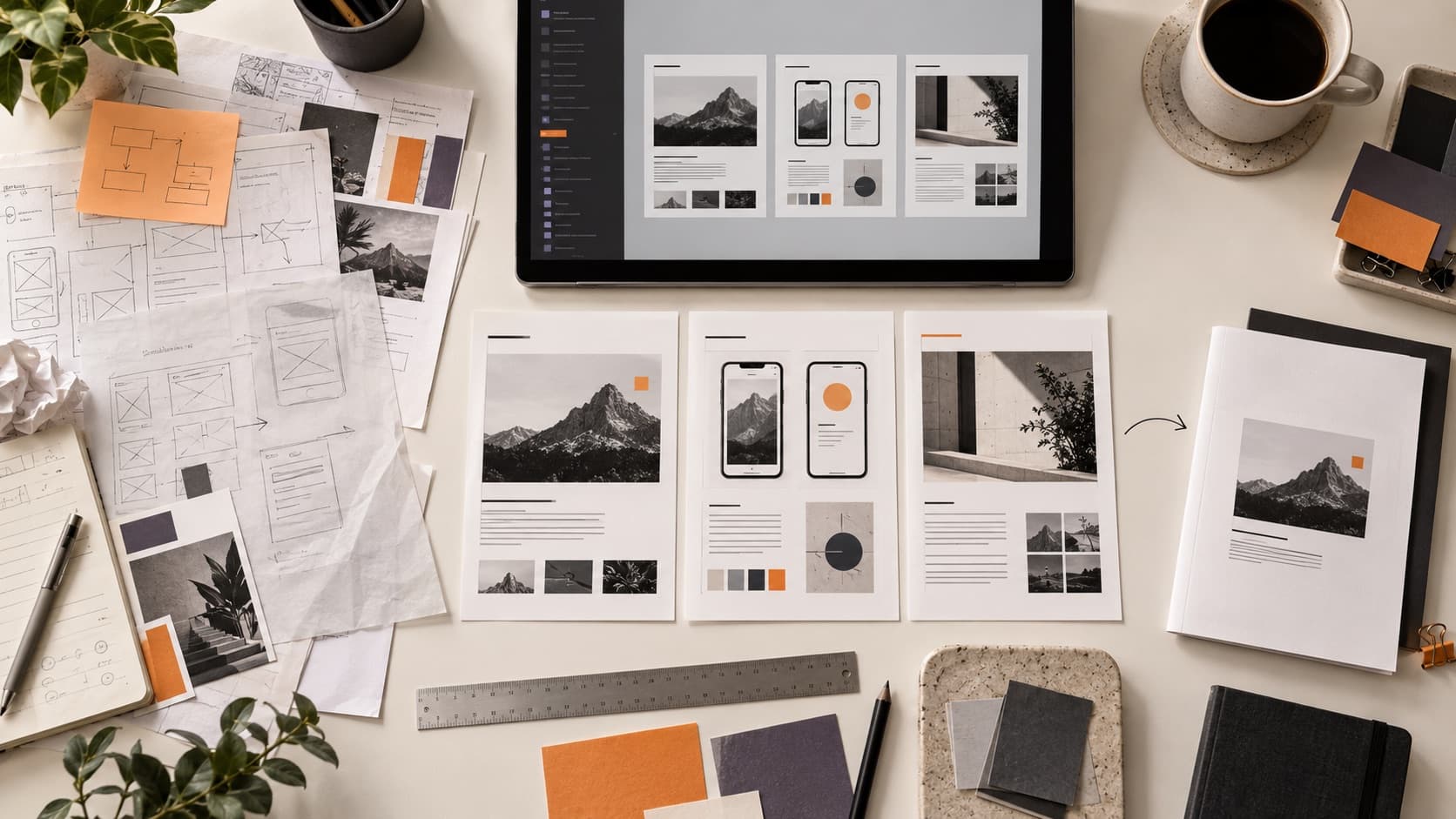
Choose the output before the canvas grows
A Figma file is a useful place to design a portfolio, but it is not automatically the best thing to send. Start with the review situation. Someone finding you through search needs a different entry point than an interviewer who asked for a presentation.
You can use one source file to prepare several outputs. Keep the core story consistent, then adapt the sequence, navigation, and level of detail to the way it will be viewed.
| Output | Best for | What Figma should do |
|---|---|---|
| Public website | Discovery, a custom domain, navigation across projects, and a durable introduction. | Design the system and content before building or publishing it elsewhere. |
| Figma prototype or file | A guided review, interview presentation, or direct conversation with a design team. | Create the review path, use flow starting points, and control what the viewer can access. |
| PDF or deck | Application uploads, offline review, and a controlled sequence. | Build page-sized frames, then inspect the exported file for clipping, scale, and file size. |
Gather the evidence before designing the case study
A portfolio page cannot manufacture a strong story from empty sections. Before choosing a layout, collect the material that proves what happened: the question, your role, important constraints, working artifacts, decisions, the final result, and what changed or remained uncertain.
Start with the role you want
Pull several relevant job descriptions and notice the repeated capabilities. Choose projects that can show those capabilities honestly instead of forcing every project to prove everything.
Label your contribution
Separate what you owned, influenced, inherited, and learned from others. Clear collaboration usually makes the work more credible, not less impressive.
Keep the useful mess
Save research notes, rejected directions, edge cases, prototypes, and decision records. Use only the artifacts that explain a meaningful decision; do not turn the case study into an archive.
Distinguish outcomes from hopes
Use measured results when you have them. When you do not, name the validation performed, the evidence available, and what still needs to be tested.
Build one complete case study first
A complete first project gives you a real system to repeat. A grid of six beautiful covers does not tell you whether the detailed experience works.
01 · Orient
What is this, and why did it matter?
Give the reader the project, audience, your role, timeframe, and the decision or problem worth following.
02 · Show the tension
What made the work difficult?
Name the constraint, conflict, or unknown that shaped the work. A generic process list is less useful than the moment where evidence changed the direction.
03 · Explain the decisions
What did you notice, choose, and reject?
Pair artifacts with short explanations of the decision they informed. The image should provide evidence; the caption should tell the reader why it is here.
04 · Close honestly
What changed, and what would you do next?
Show the result in context, describe the evidence you have, and name the remaining risk or next test without inventing impact.
Need more help with the story itself? Use the Case Study Builder as a structured working draft, not a ten-minute substitute for the project.
Build a small portfolio system, not a decorative template
Create only the styles and components the reading experience needs. A useful starting set is a page wrapper, project header, text block, media block, caption, quote or finding, comparison, navigation, and contact action.
Use Auto Layout where content changes
Let the story resize without breaking
Use Auto Layout for repeated groups, sections, captions, navigation, and case-study cards. Set deliberate gaps and padding; choose whether children hug, fill, or stay fixed based on the output.
Do not use Auto Layout as a badge of competence. Use it so an edit to the content does not create a new spacing problem on every page.
Name pages and layers for the next person—including future you. Keep the presentation frames separate from working material, and give the review path an obvious starting point.
Built the frames. Does the story hold together?
Share the version a reviewer will receive and the role you want. Your free First Read will identify one priority in the visible experience.
Prototype only what helps the review
A portfolio prototype needs a clear entry point and a reliable path between projects. It does not need a transition on every card. Add interaction when it clarifies navigation, demonstrates product behavior, or supports the way you will present the work.
Figma's official prototyping guide describes flows and starting points. Use those starting points deliberately, then open the presentation from the shared link—not from your comfortable spot inside the source file.
Navigation works
Every visible control leads somewhere expected, and the reviewer can return to the project list.
The first frame is intentional
The link opens at the portfolio or case-study beginning, not the last frame you happened to edit.
Motion has a job
Transitions maintain orientation or demonstrate behavior. They do not delay the reader from reaching the work.
Run the review from the outside
Stop reviewing the file as its author. Start where the recipient starts and ask what the portfolio proves before you explain it.
- First minute: Can someone identify your role, the kind of work you do, and where to begin?
- First project: Can they distinguish the project's problem, your contribution, the important decision, and the result?
- Across the set: Does each project add evidence, or are several pages repeating the same capability?
- At the end: Is the next action—contact, interview, another project, or resume—clear and working?
QuestionsAnswers
Questions, answered.
A few practical details before you keep going
Share this resource

Written by
Nikki KippleProduct Designer & Design Instructor
Designer, educator, founder of The Crit. I've spent years teaching interaction design and reviewing hundreds of student portfolios. Good feedback shouldn't require being enrolled in my class — so I built a tool that gives it to everyone. Connect on LinkedIn →
A tidy Figma file is not the same as a clear portfolio.
Send the version a reviewer will receive. We will look at what they can understand, where the story loses momentum, and what to fix first.