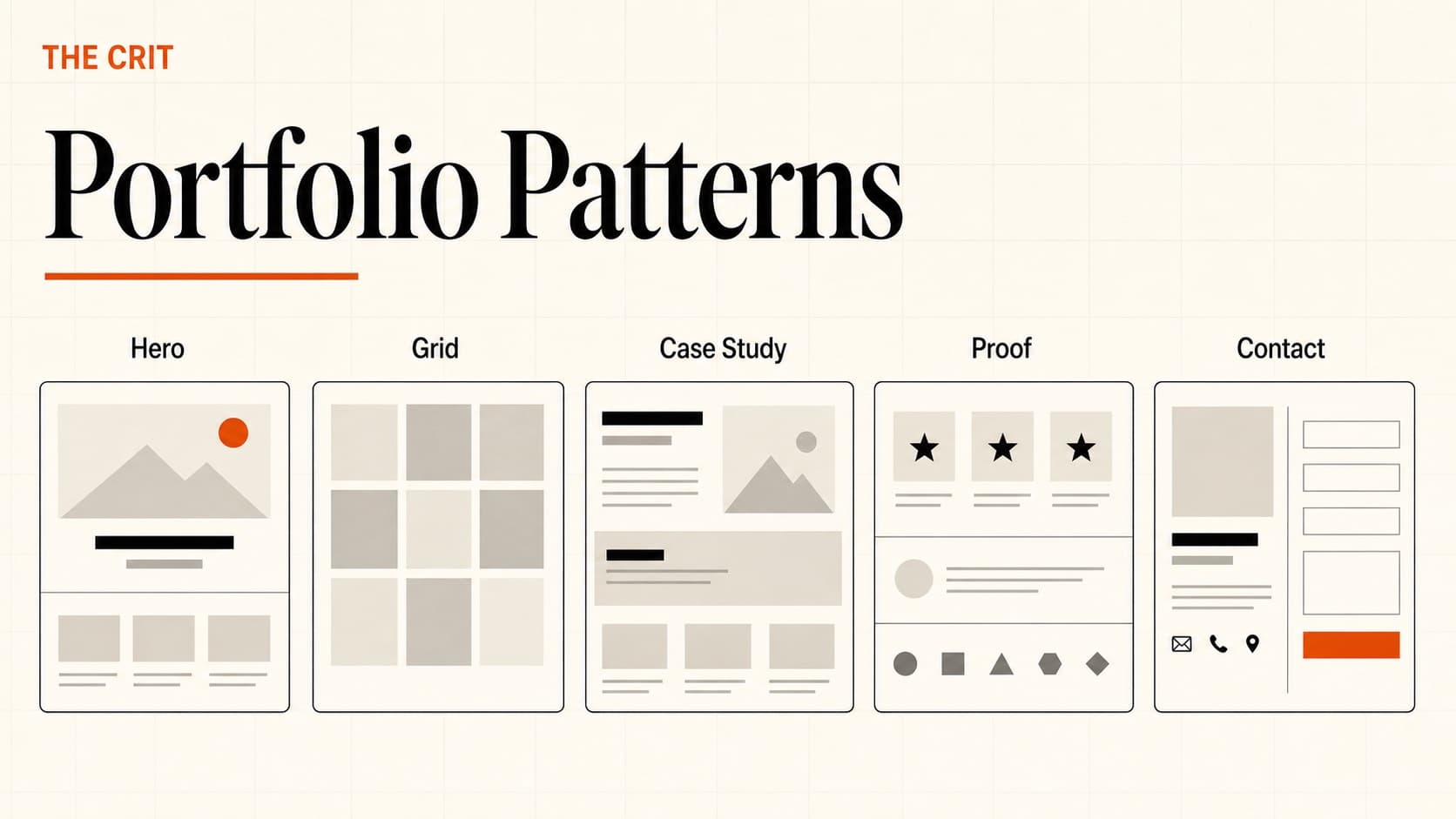
Portfolio Layout
Portfolio Development

7 Portfolio Websites That Actually Get Designers Hired Real Portfolio Examples

Real portfolio website examples from working designers at Notion, Canva, Vercel, and more. See what makes each approach effective and which pattern fits your career level.

The Crit Team
The Crit Team
7 Examples Portfolio WebsitesMarch 23, 2026

TL;DR

  • 7 Real Portfolios: Working designers from top companies
  • All Career Levels: Junior to senior leadership examples
  • Strategic Guidance: Choose the right approach for your goals
Portfolio Examples Gallery - Real designer portfolios

🎯 What Makes These Portfolio Websites Work

These aren't just pretty websites—they're strategic career tools. Each designer chose an approach that aligns with their goals, skills, and target opportunities. Here's what they all get right:

🎭 Clear Personal Positioning

Each designer has a clear point of view about who they are and what value they bring. No generic "I'm a UX designer" statements.

🏗️ Smart Information Architecture

Navigation and content organization make it easy for hiring managers to find what they need quickly. No hunting for contact info or work samples.

📱 Portfolio AS Product Demo

The website itself demonstrates their design skills. Good UX, visual design, and attention to detail prove capabilities before you see any case studies.

🎯 Audience-Specific Approach

Each portfolio is designed for their target employers. Startups vs. enterprise, junior vs. senior roles—the approach matches the audience.

⚡ Memorable Differentiation

Something makes each portfolio stick in your mind—whether it's technical execution, personal brand, or unique problem-solving approach.

🚀 Proof, Not Promises

Instead of claiming to be "passionate about user experience," they show it through their work, writing, and the experience of using their portfolio.

📈 Portfolio Patterns by Career Level

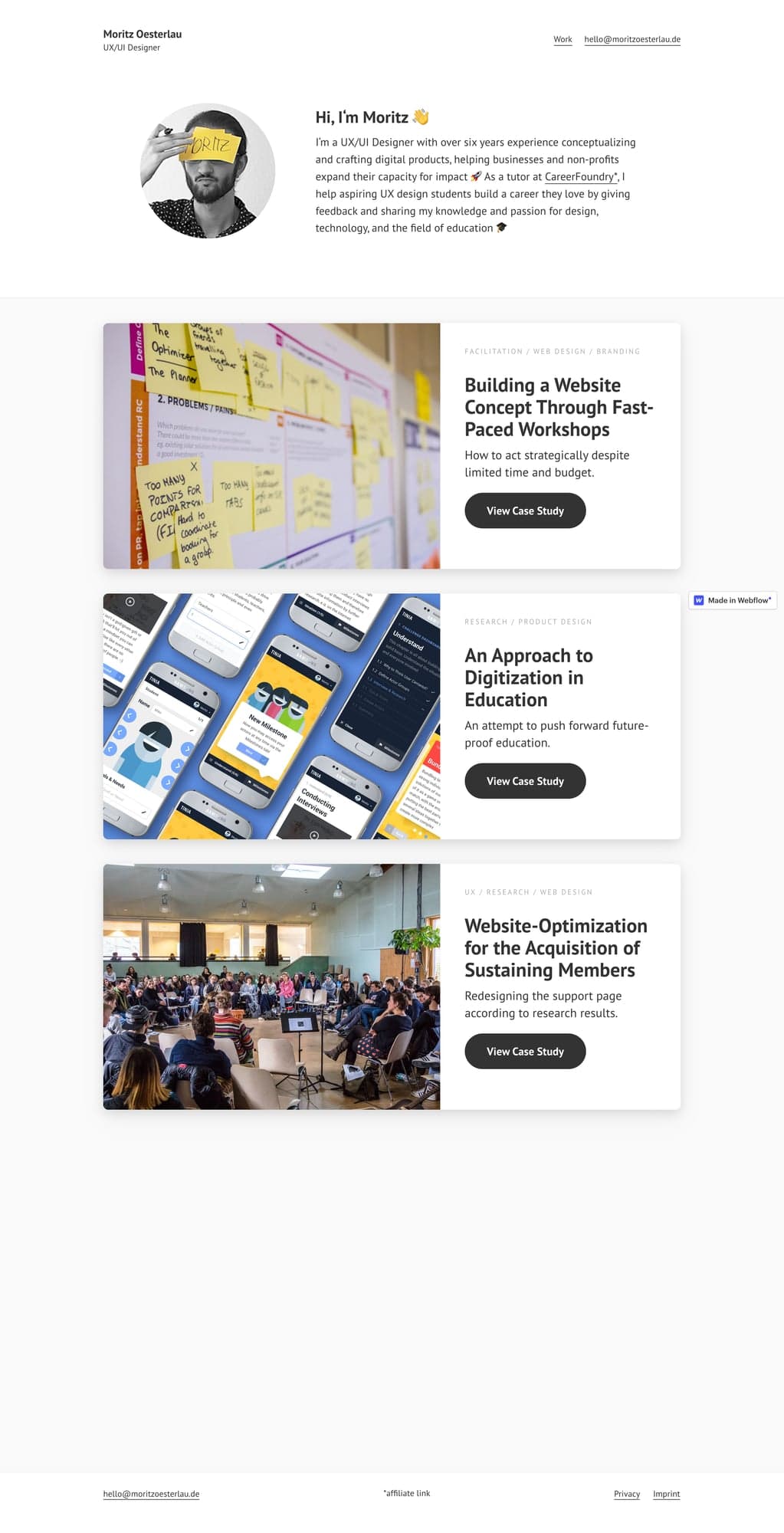
🌱 Junior Level (0-2 years) - Examples: Mia, Gloria Ha, Matt

What Works:

  • • Exceptional process documentation
  • • Personal projects that solve real problems
  • • Bold personal branding to stand out
  • • Learning mindset and growth story

Key Strategy:

You can't compete on experience, so compete on process, personality, and potential. Show you think like a designer, not just execute tasks.

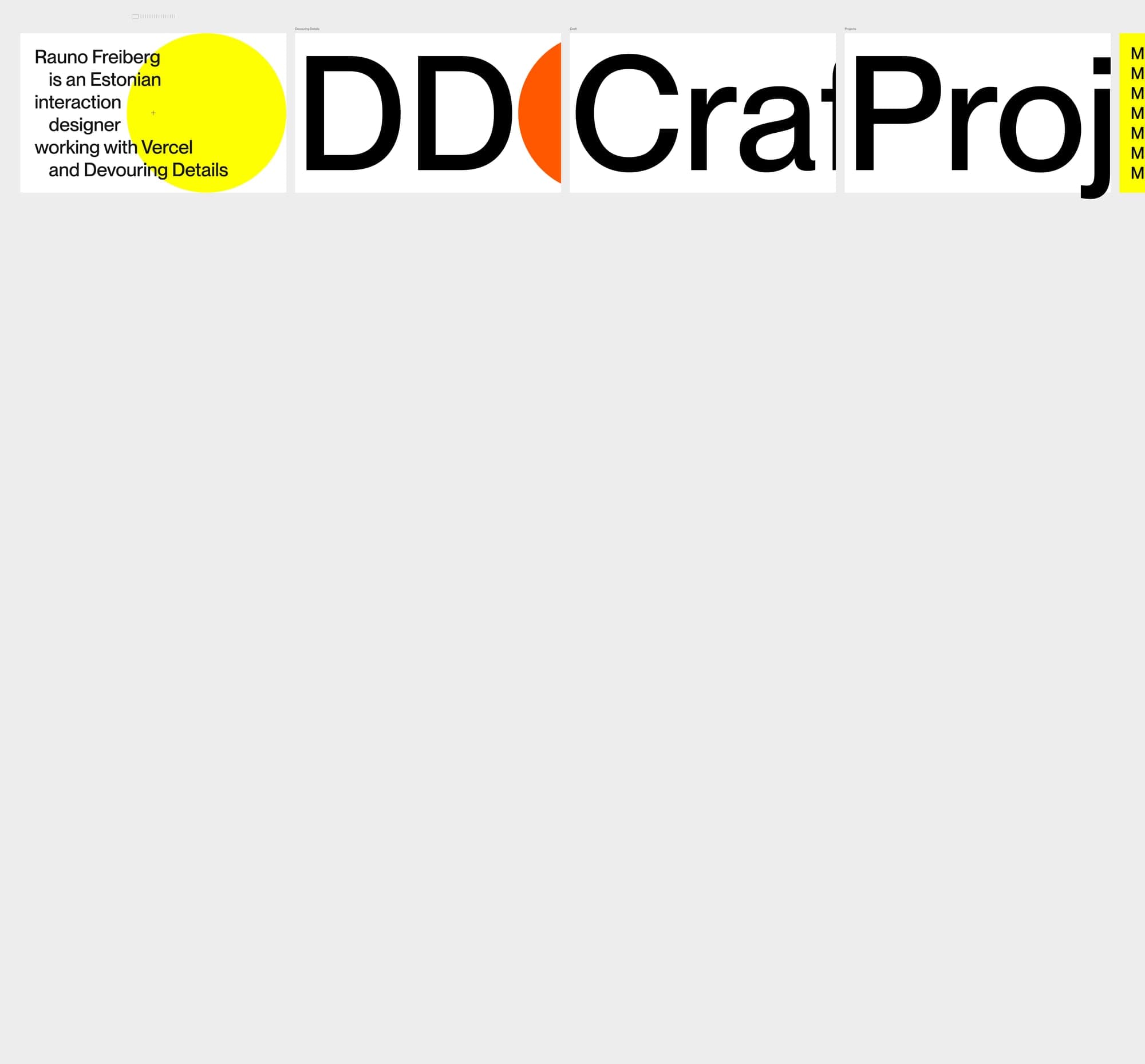
⚡ Mid Level (2-5 years) - Examples: Gloria Lo, Rauno

What Works:

  • • Professional polish and credibility
  • • Specialized skills or industry focus
  • • Technical implementation ability
  • • Clean, confident presentation

Key Strategy:

Demonstrate depth and specialization. Show you can ship quality work consistently and have developed a unique perspective or skill set.

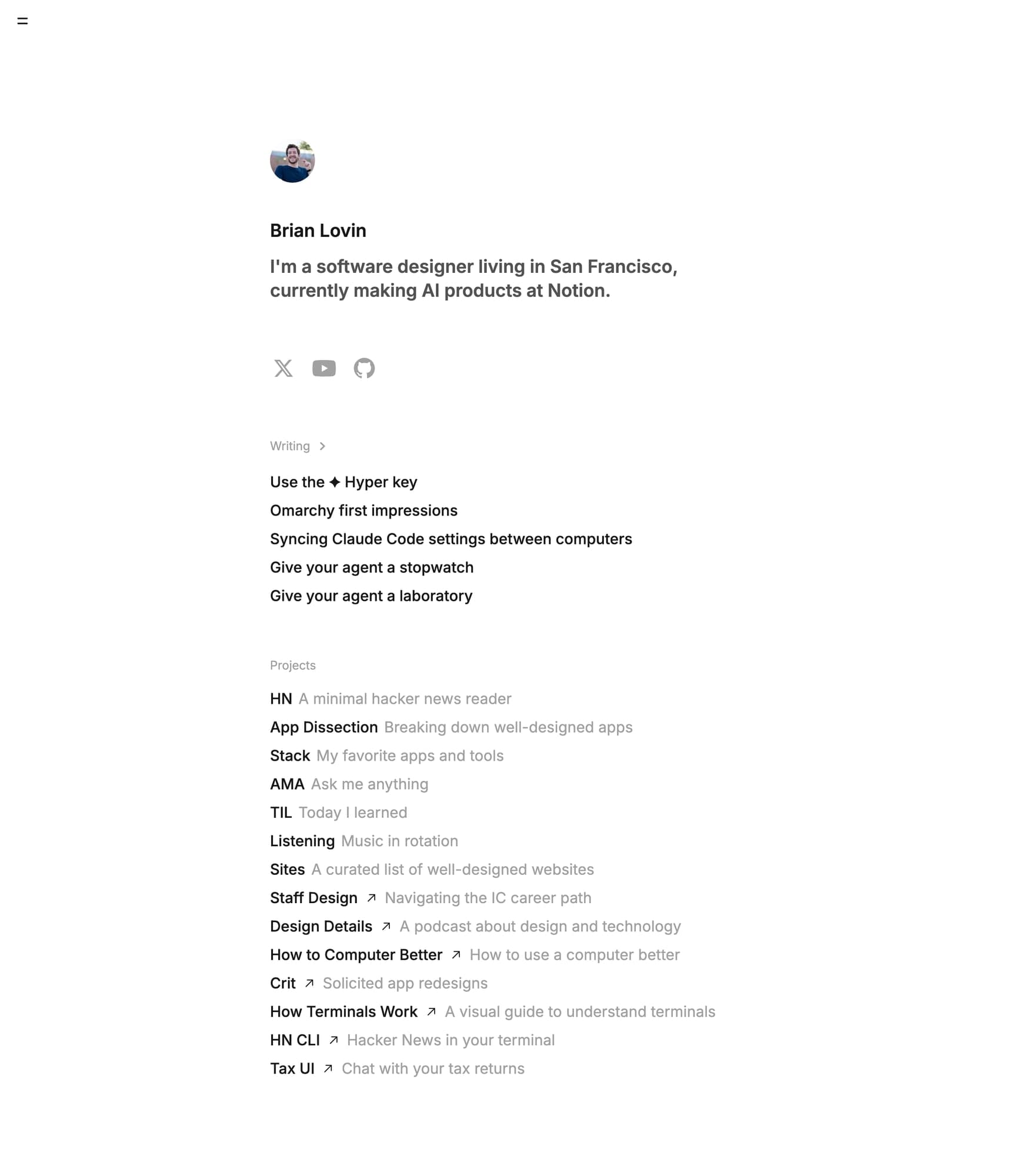
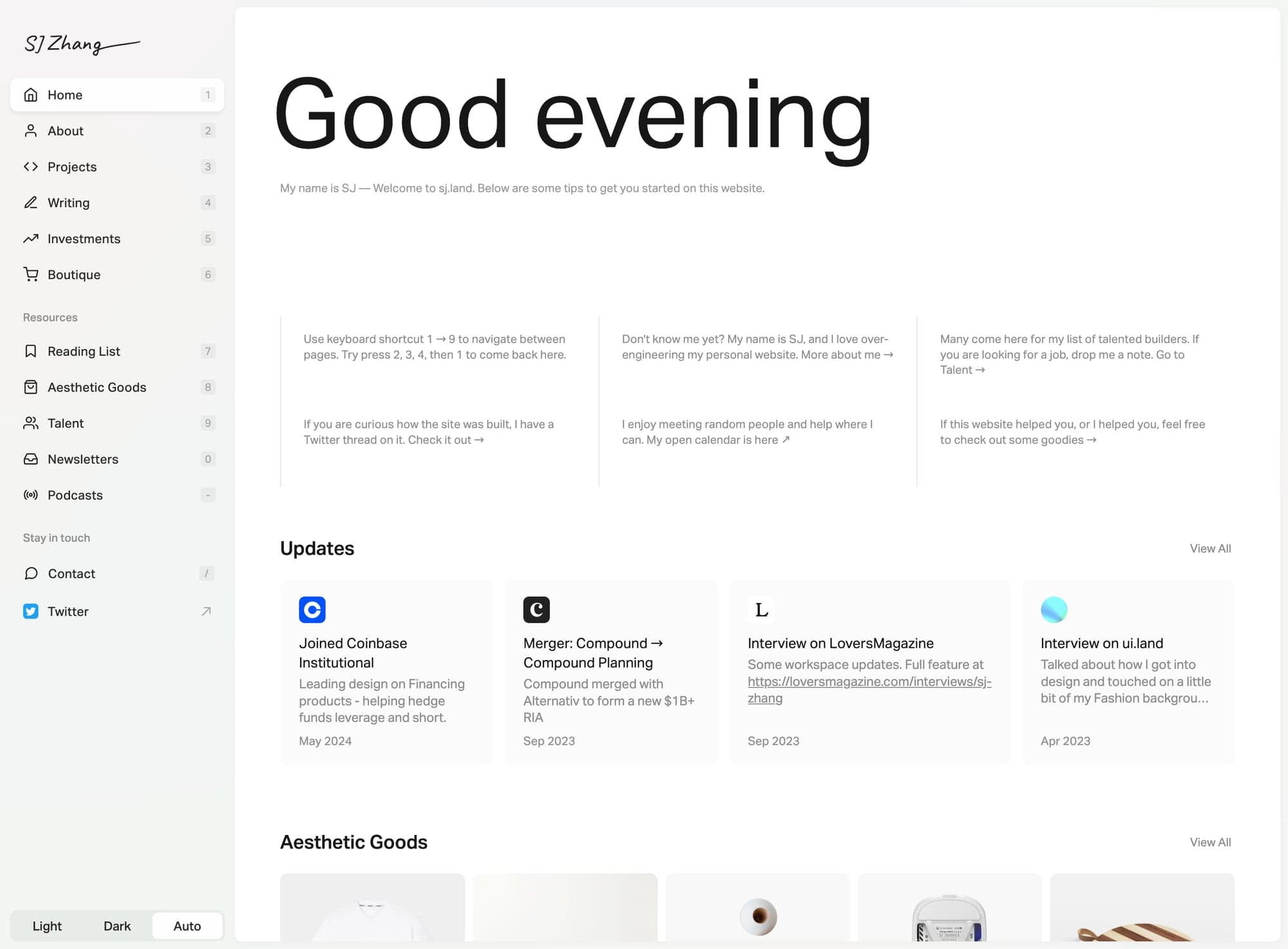
🚀 Senior Level (5+ years) - Examples: Aarron, Brian

What Works:

  • • Business impact and strategic thinking
  • • Leadership stories and team building
  • • Product-level decision making
  • • Industry recognition and expertise

Key Strategy:

Move beyond individual IC work to show systems thinking, strategic impact, and leadership capability. Focus on outcomes over outputs.

🎯 Choosing Your Portfolio Approach

⚠️ Don't Just Copy—Strategize

The best portfolio approach depends on your goals, skills, and target opportunities. A bold, animated portfolio might work for a startup but fail at a conservative enterprise. Choose strategically.

Questions to Ask Yourself:

  • • What type of companies am I targeting?
  • • What's my biggest competitive advantage?
  • • Am I competing on creativity or reliability?
  • • What stage is my career in?
  • • What skills do I want to highlight most?
  • • How risk-tolerant is my target market?

Portfolio Pattern Matching:

  • Conservative corp: Clean Professional (Gloria Lo)
  • Fast-moving startup: Personal Brand (Gloria Ha)
  • Tech company: App Experience (Brian Lovin)
  • Leadership role: Business Leader (Aarron Walter)
  • Design Engineer: Interactive Showcase (Rauno)
  • First job: Process-Driven Junior (Mia)

🚨 Portfolio Mistakes That Kill Your Chances

❌ Don't Do This

  • • Password-protect everything without previews
  • • Use generic portfolio templates without customization
  • • Show 10+ projects instead of 3-5 strong ones
  • • Write "passion for UX" instead of showing it
  • • Ignore mobile responsiveness
  • • Bury your contact information
  • • Use Lorem ipsum or placeholder content
  • • Focus only on visual design, ignore UX

✅ Do This Instead

  • • Show public work with clear descriptions
  • • Customize templates to reflect your brand
  • • Curate your best work ruthlessly
  • • Demonstrate passion through quality work
  • • Test on mobile devices regularly
  • • Put contact info in header/footer
  • • Write compelling, specific copy
  • • Show both strategic thinking and execution

💡 Pro Tip: The 30-Second Test

Can someone understand who you are, what you do, and how to contact you within 30 seconds of landing on your portfolio? If not, simplify your homepage.

Ready to Build Your Portfolio Strategy?

Use our portfolio checklist to ensure your site has all the elements that get designers hired.

💬 Common Questions

Everything You Need to Know

Quick answers to help you get started

Share this resource

The Crit Team

Written by

The Crit Team

Portfolio analysis from 500+ design portfolios

Designer, educator, founder of The Crit. I've spent years teaching interaction design and reviewing hundreds of student portfolios. Good feedback shouldn't require being enrolled in my class — so I built a tool that gives it to everyone. Connect on LinkedIn →

Ready to put this into practice?

Upload your design, get specific fixes back in under 3 minutes. No fluff, no generic advice.

Get My Free Critique →

Get one actionable portfolio tip every week. No fluff.

Short reads you can use on your site. Unsubscribe anytime.