Tools & Workflow
Designers Are Shipping Code The Review Is the Skill
AI can shorten the distance between a design decision and a working interface. It does not remove the need to understand the change, test it, or know when someone else should own it.

The short read
Start bounded
Choose a visible, reversible interface change with a clear owner and acceptance criteria.
Give real context
Use the repository, design system, intended states, and selected Figma frame—not a screenshot and a vague prompt.
Review the change
Read the diff, run the checks, inspect the browser, and involve engineering when the risk extends beyond presentation.
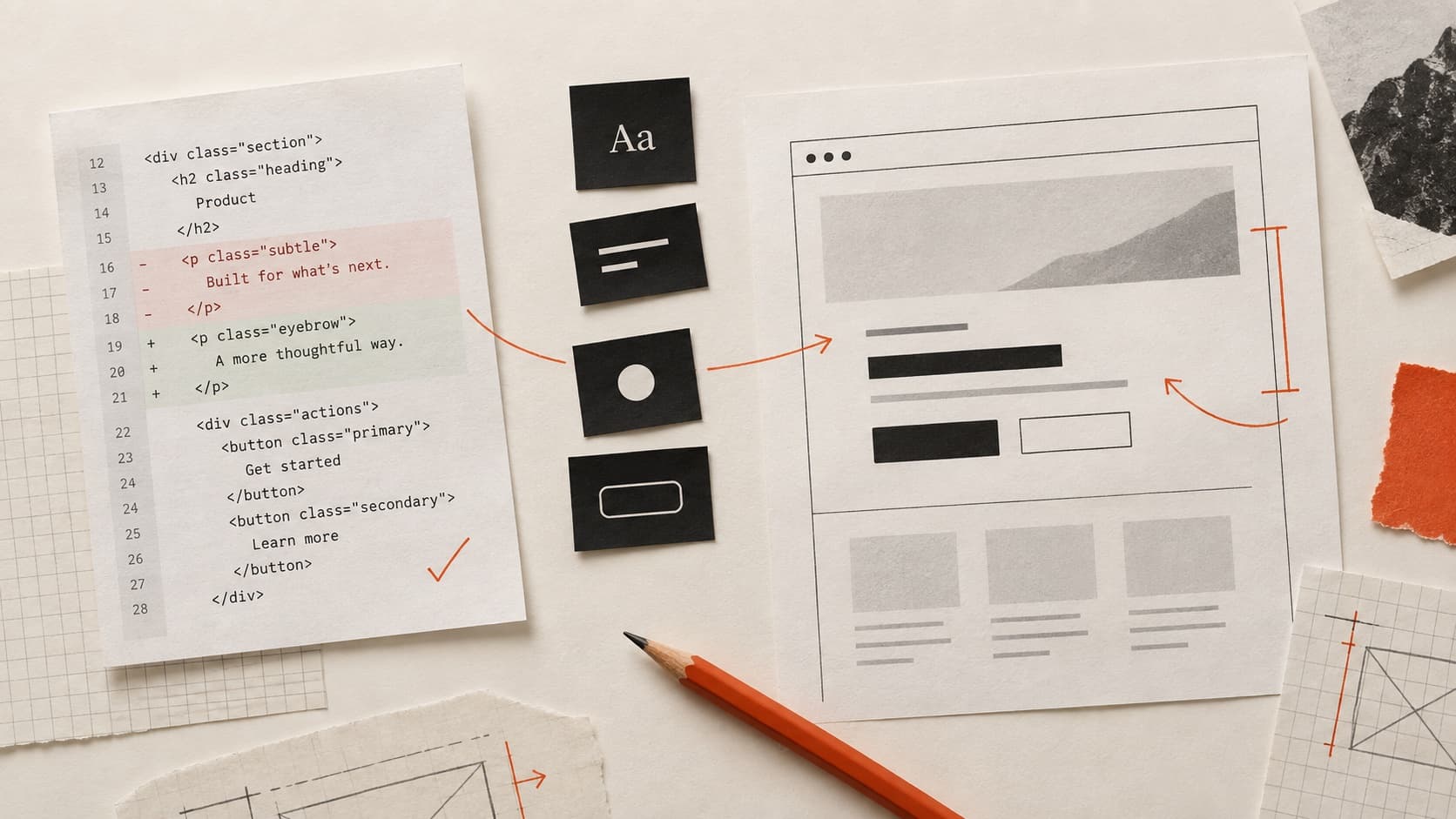
What changed is the distance to a working artifact
A designer can now work inside a repository, ask an agent to explain unfamiliar code, generate a contained change, run the project, and compare the result in a browser. That is meaningful: more decisions can be tested in the medium where they will actually live.
But a faster first implementation is not the same thing as a safe release. The generator does not automatically know the product's edge cases, data rules, performance budget, privacy requirements, or why an existing component behaves the way it does. The valuable shift is not “designers no longer need engineers.” It is that designers can bring a more concrete, testable proposal into the conversation.
A better definition of shipping
You can explain the intent, inspect the implementation, demonstrate the states, and hand another person a change they can review.
Choose a scope that matches what you can verify
Start where design judgment is strong and the blast radius is small. A narrow task gives you a better chance of understanding every changed line and noticing when the output solves the prompt while breaking the product.
| Good first scope | Spacing, type, responsive layout, documented component states, copy, and contained visual polish. |
|---|---|
| Needs a partner | Shared component APIs, data fetching, performance changes, unfamiliar tests, or behavior used across many screens. |
| Do not learn in production | Authentication, payments, permissions, secrets, database migrations, or destructive operations. |
Prepare the context before asking for code
Name the decision
Describe the user task, the state you are changing, and what should be measurably or visibly better. “Match the mockup” hides the reason for the work.
Point to the system
Identify the existing component, token, pattern, or neighboring screen that should constrain the answer. Ask the agent to reuse before it invents.
List states and constraints
Include mobile behavior, loading, errors, empty content, long copy, keyboard use, reduced motion, and any state the happy-path frame does not show.
Use design context carefully
Figma's MCP server can provide structured design context to compatible agents. Figma also notes that the agent and model—not the MCP server—produce the final code. Treat that context as better input, not a guarantee.
See Figma's current MCP server guide for supported clients, access, and capabilities.
The implementation works. Does the interface?
Share the live page and what you were trying to improve. Your free First Read identifies one visible priority worth checking next.
Review in layers, not by vibes
Read the diff
Ask what changed, why each file changed, and whether unrelated code moved. If you cannot explain a change, do not approve it because the preview looks right.
Run the repository checks
Use the project's type, test, build, lint, or security checks. A passing build is evidence about a limited set of failures; it is not a complete product review.
Inspect the rendered behavior
Compare multiple widths, interaction states, real copy, and keyboard behavior. Check that the result follows the intent and still belongs to the surrounding product.
Look for what the prompt omitted
Generated work often looks complete before it is complete. Test empty data, errors, slow responses, long names, focus visibility, and any permissions or business rules touched by the change.
Make the pull request easy to judge
A useful pull request is a proposal with evidence, not a pile of generated files. GitHub describes pull requests as a place to review and discuss changes before they merge. Use that structure to make your reasoning visible.
Include this context
- What user or product problem changed
- What is intentionally out of scope
- Before-and-after images or recordings
- Viewport, state, and interaction checks
- Automated checks that ran
- Known uncertainty and the right reviewer
GitHub's pull request overview explains the review, checks, and discussion flow.
Build fluency by increasing the consequence slowly
Begin with a local or personal project. Then make a bounded change in a real codebase with review. Keep a record of what the agent proposed, what you changed, what the checks caught, and what a human reviewer noticed. That reflection is how the work becomes your skill instead of a lucky prompt.
The goal is not to prove that a designer can replace every specialist. It is to make design decisions more testable, reduce translation loss, and participate responsibly in the path from interface intent to shipped behavior.
QuestionsAnswers
Questions, answered.
A few practical details before you keep going
Continue with browser fluency for designers or compare current workflows in AI coding tools for designers.
Share this resource

Written by
Nikki KippleProduct Designer & Design Instructor
Designer, educator, founder of The Crit. I've spent years teaching interaction design and reviewing hundreds of student portfolios. Good feedback shouldn't require being enrolled in my class — so I built a tool that gives it to everyone. Connect on LinkedIn →
The code can run and the experience can still be wrong.
Share the working page. We will look at the rendered result, the question you are trying to answer, and the most consequential visible issue.